git-beep-beep
Hear your commits • Sound effects for Git
$
npx git-beep-beep init
copy
macOS • Linux • Windows
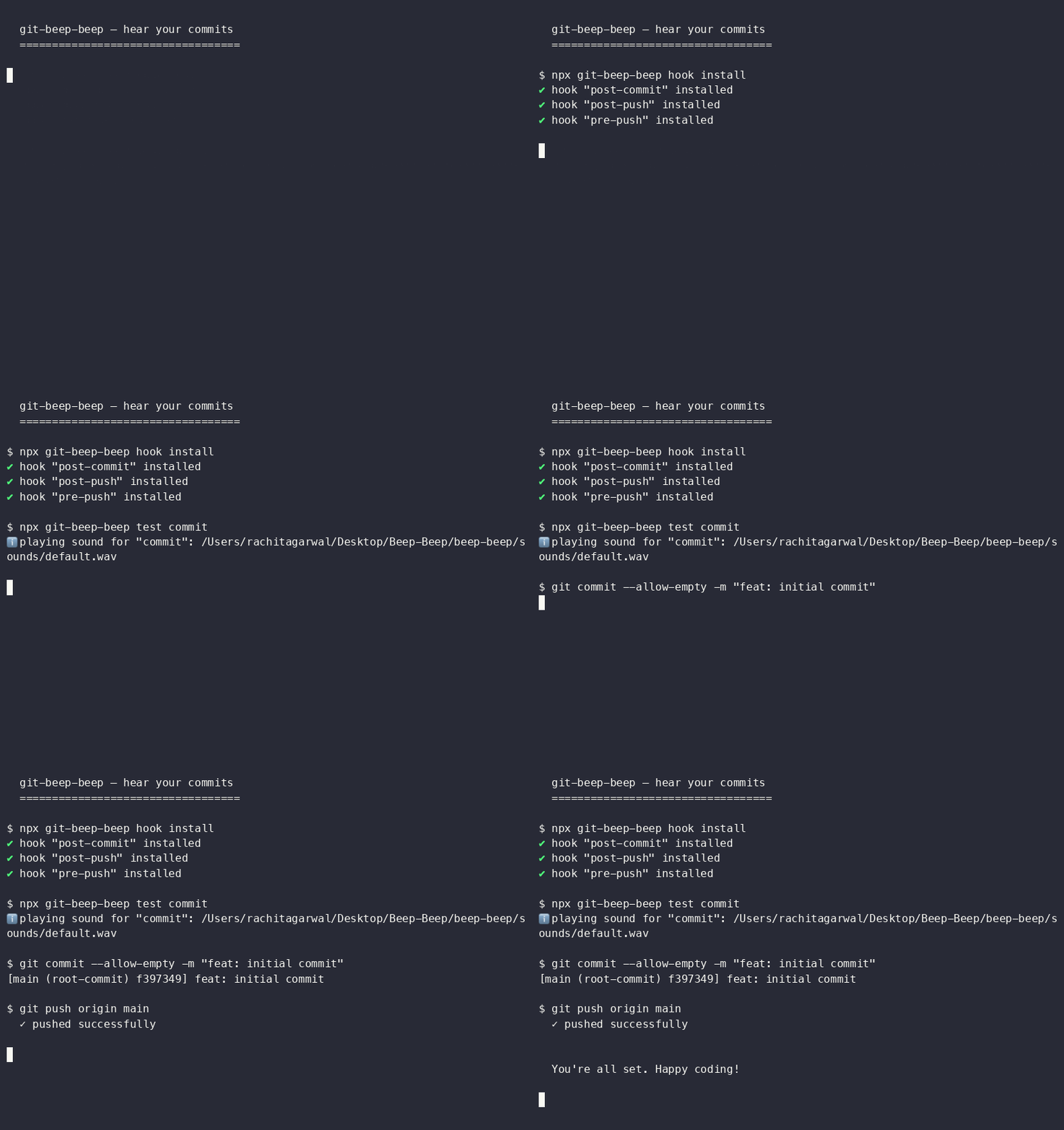
Installing hooks, testing sound, and committing
Why you need this
Dopamine hits
Your code makes noise. Your brain thinks you are a wizard. Commits feel like achievements.
Your sounds
Default chimes, meme sounds, airhorns, vine booms — or any mp3 or wav file you own.
Never miss a push
You hear when something ships. Audio feedback means you can keep your eyes on the code.
Team morale
Coworker pushes and a celebration plays. Instant team bonding. Try it with your crew.
Zero guilt
If audio fails, Git works perfectly anyway. No risk at all. Only fun.
Meme-ready
Vine boom on push fail. Metal Gear alert on PR pass. Your repo, your comedy.
Built-in sounds
| default.wav | Soft two-tone chime — polite good job nerd sound |
| success.wav | Ascending notification — VIP entrance for your commits |
| error.wav | Descending wah-wah — the auditory uh oh |
Quick start
Mac / Linux
Windows
# 1. One-time init
npx git-beep-beep init

# 2. Install hooks
cd my-project
npx git-beep-beep hook install

# 3. Test the sound
npx git-beep-beep test commit

# 4. Use git normally
git commit -m "hello"
git push
# 1. One-time init
npx git-beep-beep init

# 2. Install hooks
cd my-project
npx git-beep-beep hook install

# 3. Test the sound
npx git-beep-beep test commit

# 4. Use git normally
git commit -m "hello"
git push
Custom sounds
- $ → beep-beep set commit ~/Music/coin.mp3
- $ → beep-beep add airhorn ~/Downloads/airhorn.wav
- $ → beep-beep set push airhorn
- $ → beep-beep list